
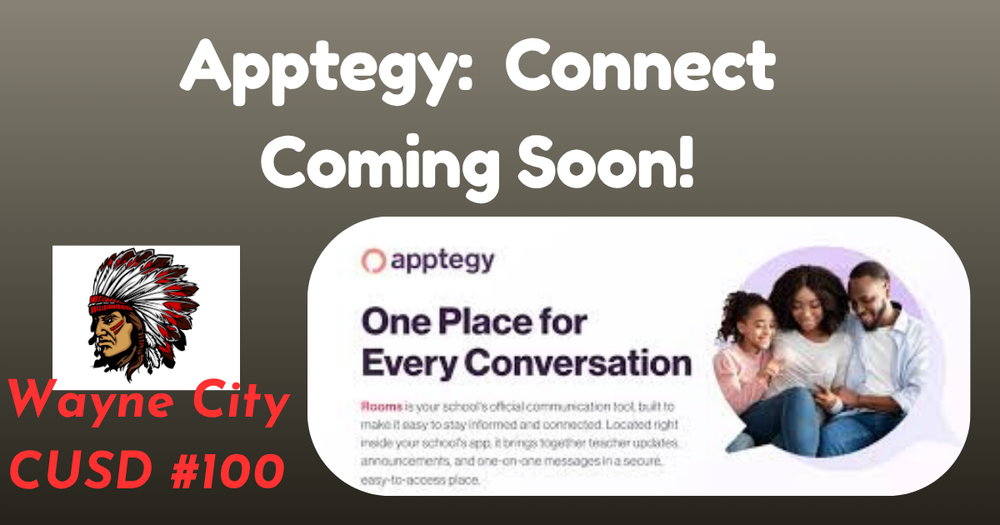
Hi Wayne City CUSD 100 Families,
We’re excited to roll out a new tool that will simplify how we communicate with you. Connect, built right into our Wayne City CUSD 100 app and website, offer secure and safe two-way messaging.
This addition allows our district to bring the community closer together. From messages to educators, to events, to lunch menus, and more - everything can now live in one place.
Download the Wayne City CUSD 100 app:
Why Connect?
One place for every message.
No more juggling multiple communication apps, flipping between inboxes, or remembering different logins.
Text notifications. You can get notified automatically of new messages even if you haven’t downloaded our district app.
Safe and secure. Built-in moderation and other safety tools allow us to ensure safety of all communications, at all times.
What to Expect:
Connect will become our primary method of communication for all interactions between staff, coaches, families, and teachers.
On April 24th, you may receive a text notification from 27806. The text will let you know who sent you a message in the Connect platform; you can then click the link for web access or view the message via the Wayne City CUSD 100 app. It will be important that you go ahead and login to your account and familiarize yourself with the platform so we are ready to go for the next school year.
Options to access Connect:
When a teacher sends a message to you in Connect, it will trigger a text notification to your phone. You can then click on the link, have it send you a verification code to access the web version.
Download the Wayne City CUSD 100 app - Enter your personal email or phone number. You will then receive a verification code via text or email to get in.
The first time you open the app, it will ask to send you push notifications. Select Allow to get important announcements from your teachers within the classroom.
Select the Rooms and Messages tab at the bottom of the app so you can start engaging with teachers via Messages and Classes!
Messages is two way communication where you can respond to a staff/start conversations with a staff member.
Rooms is where you’ll see your child’s virtual classroom(s).
Why join now? The district wants to ensure everyone is logged in and ready before summer break. We’ll be sending out back-to-school info through Connect, so don't wait and log in early to make sure you’re set for the new year!
If you have any issues getting logged in to the Wayne City CUSD 100 app with your cell phone number or personal email address, please reach out to your child’s building administrator.
We look forward to seeing you in Connect!